

MeshOS as MES
An MES built on your machine data, one function at a time
Your ERP knows the plan and the booking. It does not know what happened on the line in between: which stops ate the shift, which batch went into which product, why the count is 1,312 in the PLC and 1,240 in the ERP. That is the job of an MES. Meshnex builds it on MeshOS, on the machines you already have: counts and stops straight from the PLC, quality checks and batch records at the line, confirmations to the ERP as they happen. You start with one function on one machine, and you decide about the next with real data.
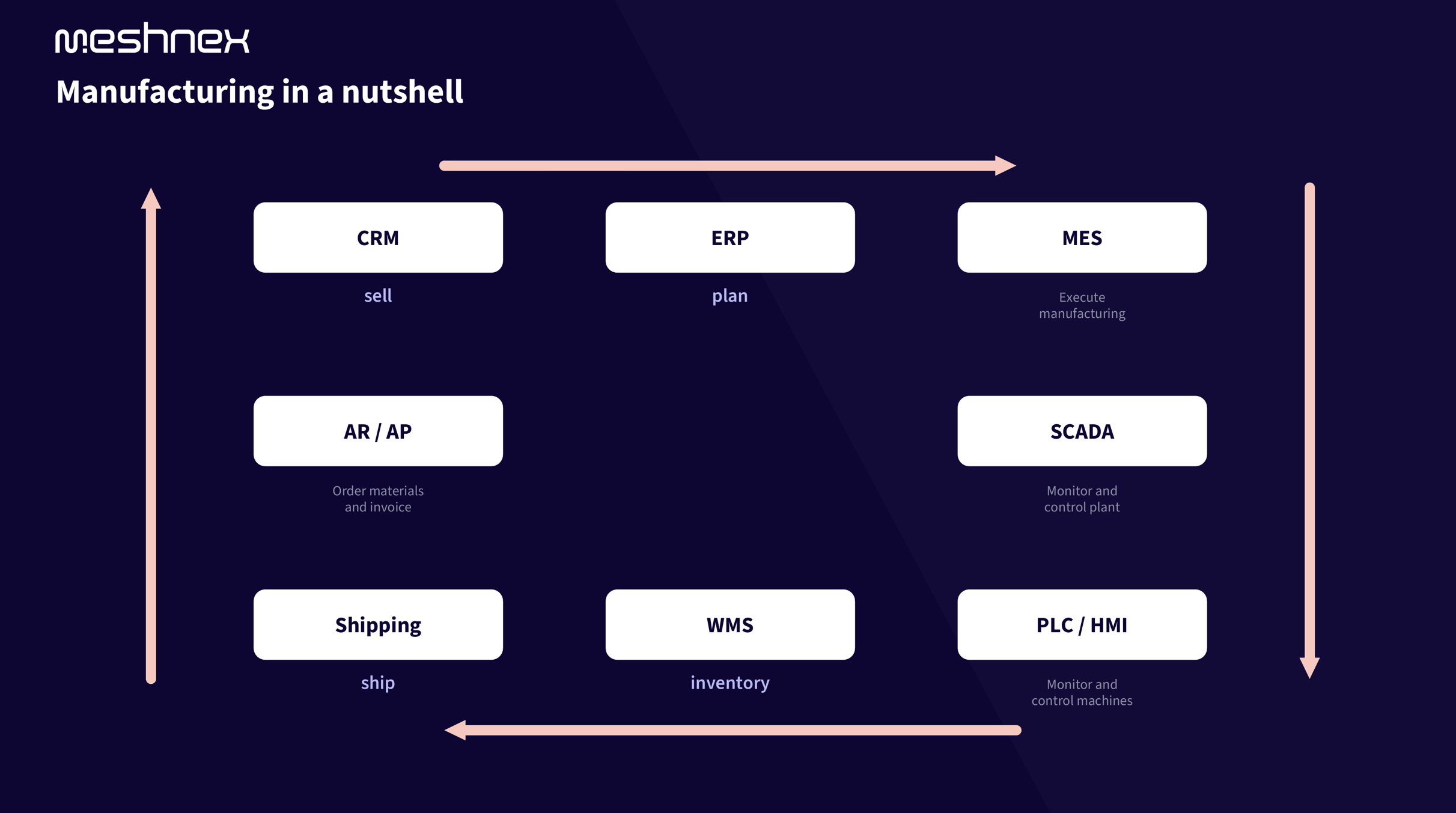
You need more than the ERP. You don't want a year-long MES project.
Most factories we walk into have an ERP that is near-universal and a floor that runs on paper and Excel. The ERP hears about production through a booking typed in after the shift. Everything between the released order and that booking is invisible:
A classic MES fixes the first five by adding a sixth. Rockwell's 2026 survey of 1,560 manufacturers found that 93% have an MES somewhere, but only 23% have it fully integrated with ERP, quality and OT. The software is rarely the problem; the integration and the organisation are.
The MES functions, built on one data layer
MESA defined the eleven functions of an MES in 1997 and they still cover the job. We deliver them on MeshOS, module by module, all reading from the same machine data. Pick the one that hurts today; the rest connects to what is already there.
Work instructions on the operator screen, labour registration and maintenance requests sit on the same layer. Detailed finite scheduling is the one classic MES function we do not build ourselves; see below when that matters.
What goes to the ERP, and what stays on the floor
The ERP does not need every PLC tag. It needs the confirmation, correct and on time. MeshOS sends it the moment the event happens on the line instead of at the end of the shift:
Orders, quantities, due dates, bills of material and batch numbers come down the same connection. We work with SAP, Exact, AFAS, Dynamics and industry packages, through their own interfaces: IDocs and BAPIs, REST, database views, or a file drop when that is all the package offers.
Master data stays in the ERP. We read it, we do not copy it, so routings and work centres are maintained once.
- Order started and finished, per machine and operation.
- Good and scrap quantities, with a scrap reason.
- Actual material consumption instead of backflushed standard quantities.
- Time per operation, from the machine, not from a stopwatch.
- Batch and serial numbers that went into each product.
Why this is not a classic MES project
A classic MES arrives as one package with hundreds of requirements, a selection that takes months and a go-live a year out. We build the same functions the other way around: the data layer first, then the function you need this quarter.
When you should buy a dedicated MES instead
We would rather tell you this before the first invoice than after. There are three situations where a full MES package is the better tool:
In those cases MeshOS is the layer under the MES: it delivers the machine data the MES would otherwise collect through its own connectors, and the ERP still reads from the same place.
- Finite scheduling across dozens of lines with shared tooling, where the sequence itself is the optimisation problem.
- Validated environments, such as pharma and medical devices, where every step is enforced, signed and audited under 21 CFR Part 11.
- Complex assembly with hundreds of enforced operations per unit, where the MES has to block the next step until the previous one is verified.
One set of numbers for production, quality, planning and IT
The morning meeting stops being a debate about whose count is right when everyone reads the same events from the same layer.
From one machine to a working MES
No big bang. Every step delivers something you use, and you decide about the next one with the data from the previous.
Step 1: we connect one machine, read-only
An edge device next to the PLC. Counts, states and alarms are live in a dashboard, usually within 48 hours. Free, no commitment.
Step 2: one number everyone trusts
Counts and stops from the PLC replace the sheet. The first function goes live: downtime with reasons, or OEE per order.
Step 3: the ERP gets its confirmations
Started, finished, good, scrap and consumption flow to the ERP as they happen. Backflush becomes actual consumption.
Step 4: add functions as the pain dictates
Quality checks, batch traceability, recipes, shift reports, work instructions: each one on the same layer, each one in weeks.
Proof from the field
MES functions in production
Real projects on real factory floors.
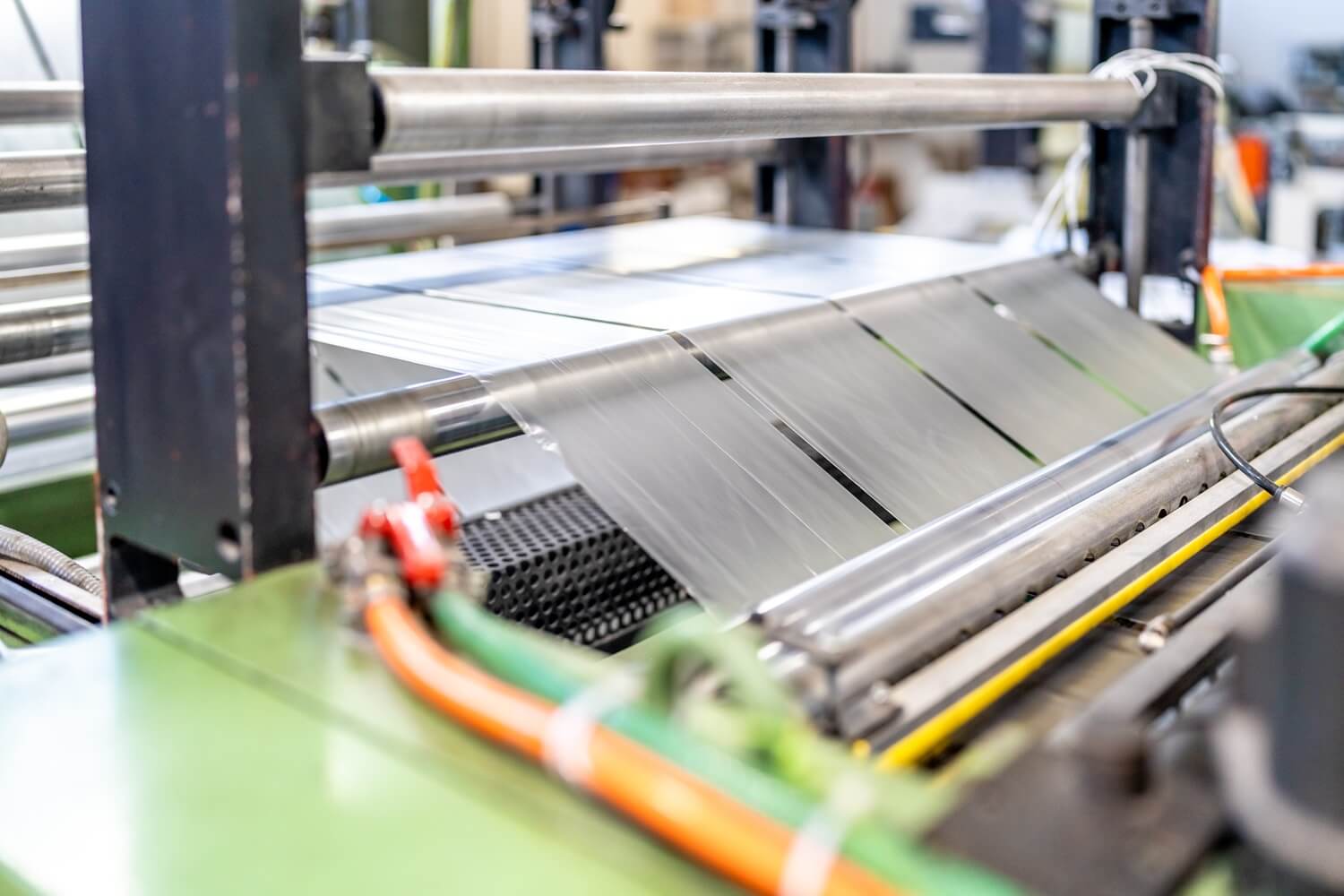 Downtime tracking
 Every stop on the line, counted and classified
Every stop is captured automatically from the PLC and classified: changeover, jam, starvation, microstop. A live Pareto shows where the shift actually went, so improvement starts at the biggest eater of capacity instead of a gut feeling.
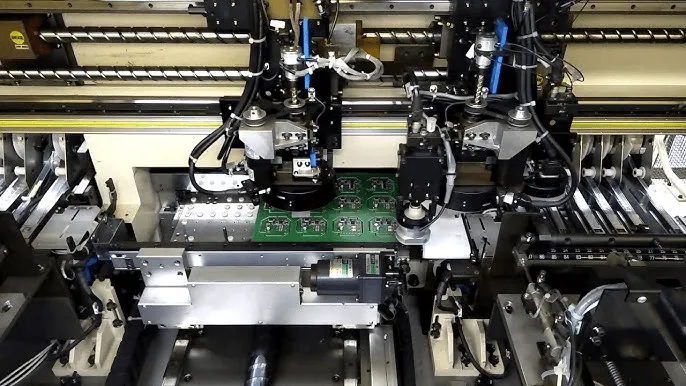 Track & trace
 Track and trace from product to box, pallet and order
Every product scanned and linked through the whole chain: product to box, box to pallet, pallet to order. Orders, batches and SKUs tracked live during production no product leaves the line without a verified place in the hierarchy.
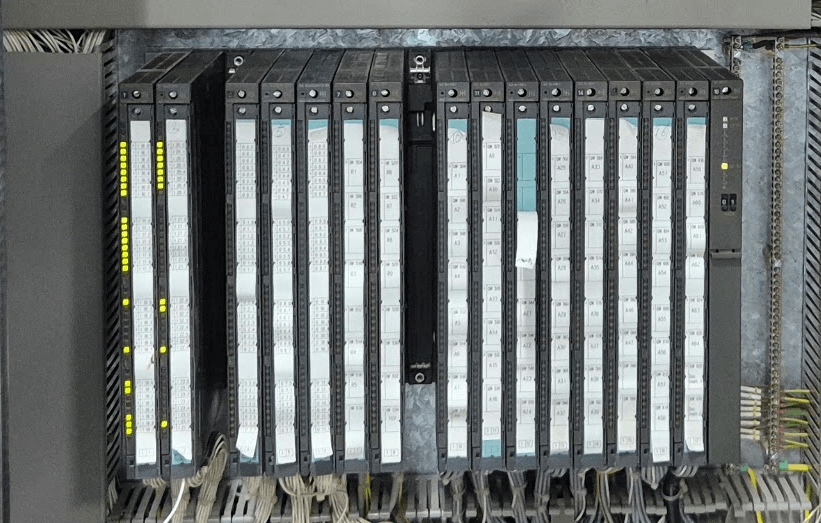 Recipe digitalisation
 Recipes from legacy Siemens PLCs, digitally secured
Recipes that only existed on paper and inside ageing Siemens PLCs, now digitally backed up and versioned. Every setpoint change is logged: who, what, when, and what it did to production. Reverting takes one click.
Frequently asked questions about an MES with MeshOS
What is an MES?
A manufacturing execution system runs and records production between the ERP and the machines: which order runs where and with whom, what was produced, what stopped and why, which quality checks were done and which batch went into which product. The ERP works in days and weeks; the MES works in shifts, minutes and seconds. Read the full comparison in our post on MES vs ERP.
Is MeshOS an MES?
MeshOS is a data layer with MES functions built on top. It covers production registration, OEE, downtime, quality records, traceability, recipes, shift reports and confirmations to the ERP. It does not do finite scheduling, and it is not a validated MES for pharma. If those are your needs, we say so and we build the layer under the MES you buy.
Do we need to replace our ERP or our machines?
No. The ERP stays the system of record for orders, stock and cost, and we connect to it through its own interface. Machines keep their PLCs; an edge device reads them. What changes is that the ERP gets its confirmations from the line instead of from a sheet.
Which ERP systems do you connect to?
SAP, Exact, AFAS, Microsoft Dynamics and industry packages, each through the interface it offers: IDocs and BAPIs for SAP, REST or database views for most others, a file exchange when that is all there is. The exact scope depends on your package and version; we check it in the first conversation.
How long does it take?
The first machine is live in a dashboard within 48 hours in most cases. The first MES function, such as downtime with reasons or counts to the ERP, takes one to four weeks depending on the machine and the ERP interface. Each next function is faster because the connection and the data model already exist.
Does MeshOS control our machines?
No. Connections to the floor are read-only by default. Writing a recipe or a setpoint to a PLC is possible, but only when that is explicitly the goal, agreed with your automation team and logged.
What about the data our operators have to enter?
As little as possible. Counts, states and alarms come from the PLC. Operators add what the machine cannot know: the reason for a stop, the result of a visual check, a scanned batch label. That is two taps or one scan at the line, not a form after the shift.
Start your MES with one machine
We connect one machine for free, read-only, and show you counts, stops and states live within 48 hours. From there you pick the first MES function that pays for itself, and the ERP gets its first confirmation from the line.